
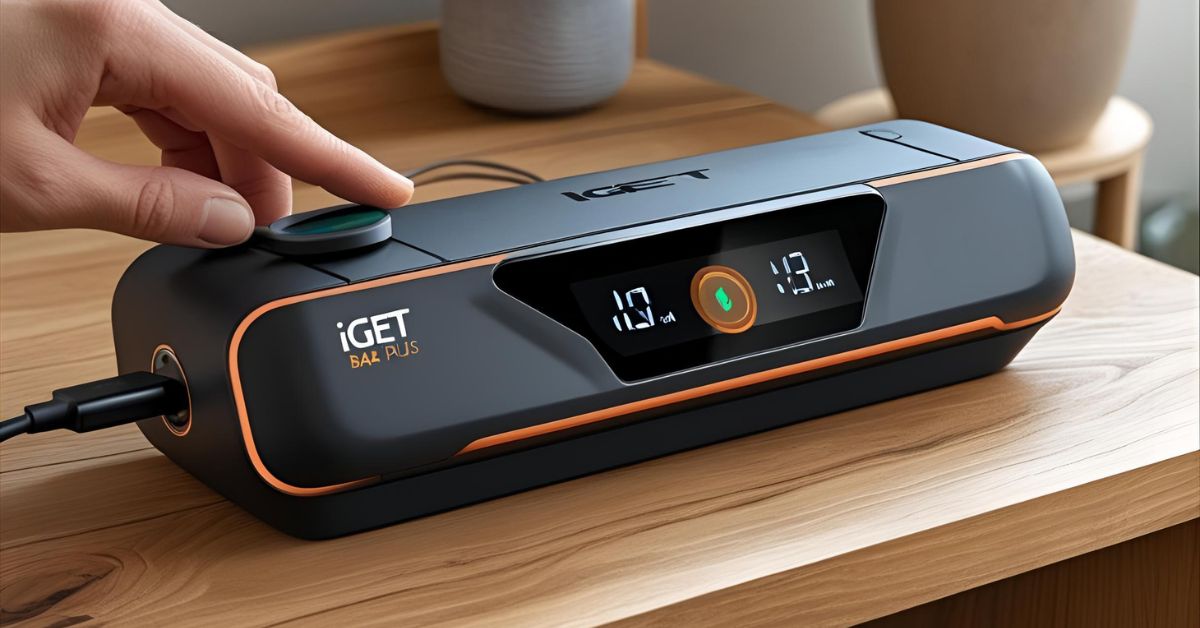
If you're using the IGET Bar Plus, you already know it's one of the most convenient and long-lasting rechargeable vapes on the market. But if you're unsure how to charge a iget bar correctly, you're not alone. Many users wonder about the proper steps and safety tips to keep their IGET Bar Plus working smoothly without damaging the battery or device.
In this How to Recharge an IGET Bar Plus: Step-by-Step Guide, we'll walk you through everything you need to know—from the tools required to the exact charging process and troubleshooting tips. Whether you're new to vaping or have just acquired this device, this guide will ensure you recharge your IGET Bar Plus correctly and get the most out of every puff.
What Is the IGET Bar Plus and Is It Rechargeable?
The IGET Bar Plus is a popular choice among vape enthusiasts who value convenience, flavor variety, and long-lasting performance. Unlike traditional disposable vapes, this device is designed for extended use thanks to its rechargeable battery and replaceable prefilled pods. It delivers a high puff count—typically up to 6000 puffs per pod—making it a cost-effective and eco-friendly vaping option.
One standout feature of the IGET Bar Plus is its USB Type-C charging port, allowing for fast and efficient recharging. Paired with its prefilled e-liquid pods, users can enjoy a smooth, hassle-free experience without the need for constant replacements. This makes the IGET Bar Plus a true rechargeable IGET vape, setting it apart from other models in the IGET lineup that are strictly one-time-use and non-rechargeable.
How to charge iget bar plus? However, it's essential to check your specific device model before attempting to recharge. If you own an older or standard IGET Bar (non-Plus version), it's not rechargeable, and trying to charge it could lead to damage or safety hazards. Always confirm that your device is indeed the IGET Bar Plus with a visible USB-C port before proceeding with any charging steps.
If you’re looking for a high-puff disposable vape with long-lasting battery life, check out the Airmez Xbeats 40000 available on our site.
Tools You'll Need to Recharge an IGET Bar Plus
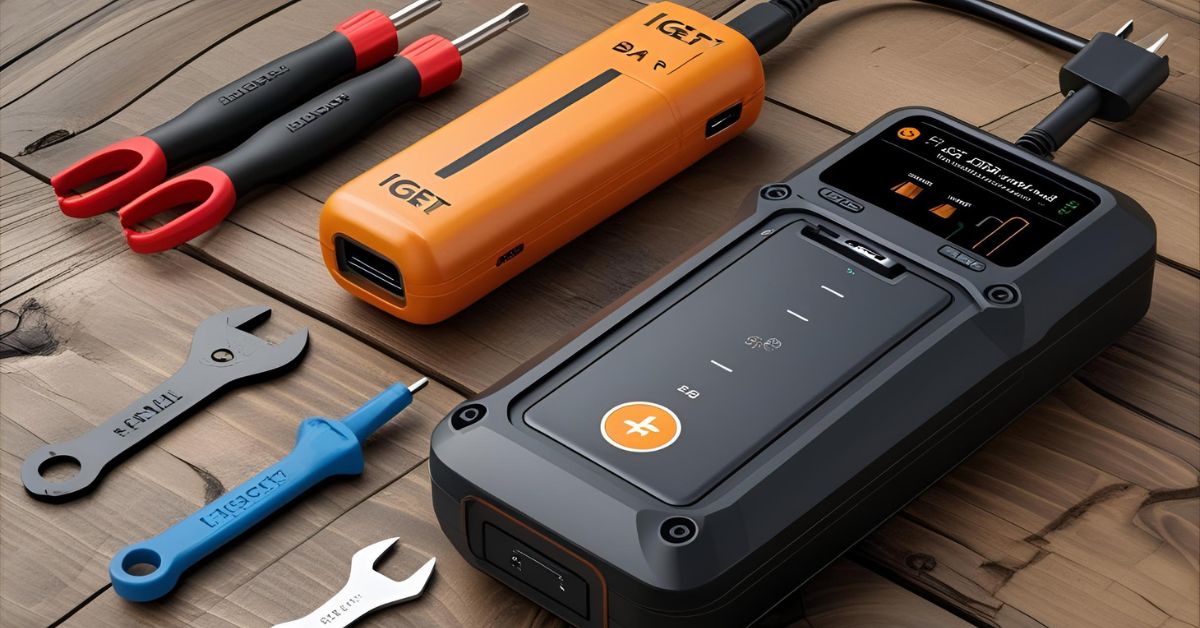
Before you begin charging your IGET Bar Plus, it's essential to gather the right tools to ensure a safe and effective recharge. Using improper equipment can damage the device or reduce its lifespan, so here's what you'll need:
1. USB-C Charging Cable
The iget bar plus charging instructions use a USB Type-C port, so you'll need a compatible USB-C charging cable. Most models come with one included, but any standard USB-C cable will work as long as it fits securely. This is the most essential accessory, so ensure it's in good condition and free from fraying or damage.
2. Power Source
You can plug your IGET Bar Plus into any of the following:
- Laptop or desktop USB port
- Wall adapter (5V output recommended)
- Portable power bank
Each of these power sources is safe, provided they deliver a low to moderate output.
Pro Tip: Avoid using high-output fast chargers (typically over 5V or 2A), as they can cause overheating and shorten battery life.
3. Clean, Dry Environment
Charge your vape in a clean and dry area, away from liquids, dust, and direct sunlight. Charging in unsafe environments can pose risks, including short-circuiting and moisture damage.
Having the proper IGET Bar Plus charging cable and following these basic setup tips ensures you recharge your device safely and efficiently.
Step-by-Step Guide: How to Recharge an IGET Bar Plus
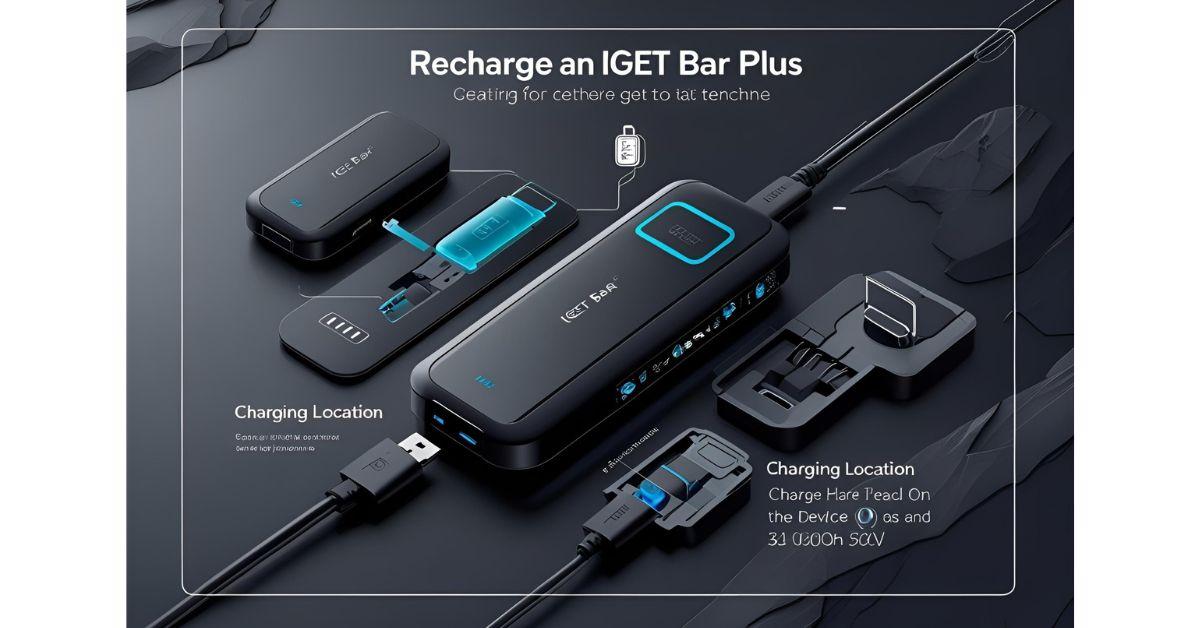
If you're new to using a rechargeable vape, don't worry—charging the IGET Bar Plus is simple when done correctly. How to charge iget bar? Follow these easy, numbered instructions to keep your device running smoothly without any damage.
IGET Bar Plus Charging Steps:
Step 1: Locate the USB-C Charging Port
Flip the device and look for a small USB-C port at the bottom. This is where you'll connect your charging cable. Ensure the port is clean and free from dust and debris.
Step 2: Connect Your Charging Cable to the Vape
Insert your USB-C charging cable into the port gently. Ensure it fits securely to avoid loose connections or interruptions during charging.
Step 3: Plug the Other End into a Power Source
Use a laptop, a wall adapter (5V), or a power bank as your power source. Avoid using fast chargers, as they may push too much voltage into the battery, causing overheating.
Step 4: Observe the Indicator Light (If Available)
Some IGET Bar Plus models have a small LED light that turns on when charging begins. If your device has one, it may change color or turn off when fully charged. If not, rely on time to estimate when charging is complete.
Step 5: Charge for About 30–60 Minutes
Let your device charge for 30 to 60 minutes, depending on the level of battery depletion. Most IGET Bar Plus models recharge fully within this timeframe.
Step 6: Unplug and Test Draw
Once charged, unplug the device and take a gentle draw to confirm it's working correctly. If the vapor output is smooth, your recharge was successful!
Safety Warning:
Never overcharge your IGET Bar Plus. Leaving it plugged in for too long or using high-voltage chargers can lead to overheating and reduce battery life. Always supervise your device while it is charging and disconnect it promptly once the charging is complete.
By following these iget bar plus charger charging steps, you'll ensure a longer-lasting, safer vaping experience. Understanding how to recharge an IGET Bar Plus correctly not only protects your device but also enhances its overall performance.
How Long Does It Take to Recharge an IGET Bar Plus?
One of the most common questions among users is, "How long to charge iget bar plus?" The answer largely depends on the current battery level and the type of charger you're using.
Curious about the Uwell DP6000 nicotine content? Find detailed information and options on our product page.
Average Charging Time
On average, it takes 45 minutes to 1 hour to recharge an iget bar plus instructions fully. If your battery is only partially drained, it may take less time to charge. However, using a low-powered source, such as a laptop USB port, may slightly extend the iget bar plus charge time, while a standard 5V wall adapter ensures faster and safer charging.
Important Charging Tip
Avoid leaving your IGET Bar Plus plugged in overnight. Overcharging can strain the battery, reduce its performance over time, and even pose safety risks. Once your vape is fully charged, disconnect it promptly to preserve its longevity.
By understanding how long to charge the IGET Bar Plus, you can keep your device ready to go without compromising safety or battery health.
Troubleshooting: IGET Bar Plus Not Charging?
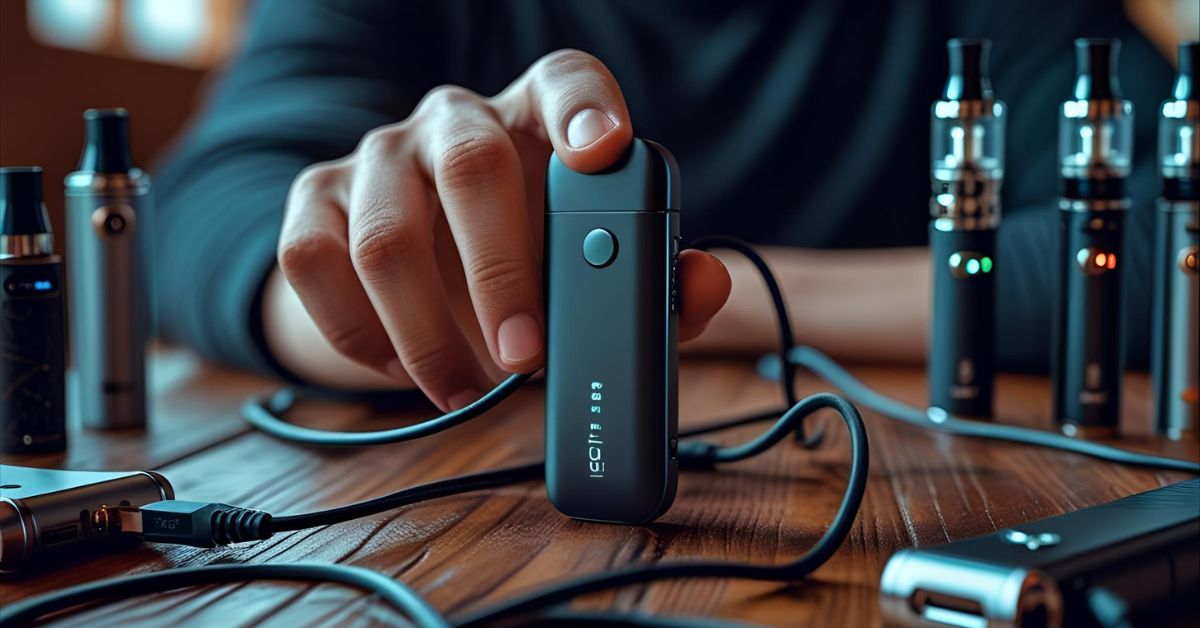
If you've followed all the correct steps but still find your IGET Bar Plus not charging, don't panic—this is a common issue and often easy to resolve. Below are some possible causes and solutions to help you get your device up and running again.
1. Faulty Charging Cable
Problem: A damaged or low-quality cable can prevent your device from receiving power.
Solution: Try using a different USB-C charging cable, preferably one that came with your device or is from a trusted brand. Check for frayed wires or loose connections.
2. Dirty Charging Port
Problem: Dust, lint, or residue inside the USB-C port can block the connection.
Solution: Gently clean the port using a toothpick, soft brush, or compressed air. Avoid using metal tools to prevent damaging the internal contacts.
3. Overused or Depleted Battery
Problem: If your IGET Bar Plus has been recharged too many times, the internal battery may be worn out and no longer hold a charge.
Solution: Unfortunately, disposable vapes like this have a limited lifespan. If the battery is no longer responding after multiple recharges, it may be time to replace the device.
4. Charger Incompatibility
Problem: Using a high-powered or fast charger (above 5V/2A) can cause charging failures or device malfunction.
Solution: Use a basic USB port or a standard 5V wall adapter. Avoid fast-charging bricks meant for smartphones or tablets.
When to Replace the Device
If you've tried all of the above and your IGET Bar Plus is not charging at all, the battery has likely reached the end of its life cycle. In such cases, replacing the device is the safest and most efficient option.
Regular maintenance and proper charging habits can prevent these issues and extend the life of your rechargeable IGET vape.
The benefits of the best CBD gummies for sleep available on our site, perfect for calming your mind before bedtime.
Safety Tips While Charging
While the IGET Bar Plus is designed for user convenience, following the proper safety precautions during charging is crucial to protect both the device and yourself. Here are some essential tips to keep in mind:
1. Avoid Overcharging
Leaving your vape plugged in for too long can overheat the battery and reduce its lifespan. Always unplug the device once it's fully charged—typically after 45 to 60 minutes.
2. Don't Use Near Water
Keep your IGET Bar Plus away from water, damp surfaces, or high-humidity areas during charging. Liquids and electronics don't mix and can result in short circuits or electric shock.
3. Use Only Safe USB Chargers
Stick to reliable, 5V standard USB chargers. Avoid using fast-charging adapters or low-quality cables, as they can supply excessive voltage or current, potentially leading to damage or even fire hazards.
4. Never Leave Unattended on Flammable Surfaces
Always charge your device on a non-flammable, flat surface, such as a desk or countertop. Avoid beds, couches, or pillows, which can trap heat and increase the risk of fire if the device malfunctions.
By following these simple safety tips, you can confidently recharge your IGET Bar Plus while minimizing risks and ensuring the device performs optimally.
Conclusion
Recharging your IGET Bar Plus is a simple process when done correctly. To recap, situate the device by locating the USB-C charging port, connect a compatible charging cable, plug it into a safe power source, and allow the device to charge for 30–60 minutes. Be sure to follow each step in our How to Recharge an IGET Bar Plus: Step-by-Step Guide for a safe and practical experience.
Remember, using the correct charging equipment, avoiding overcharging, and keeping the device away from water or flammable surfaces are essential to protect both your vape and your safety. These small but significant habits can go a long way in extending the life of your rechargeable IGET vape.
By following this guide, you’ll keep your device performing at its best and enjoy a smoother, more reliable vaping experience.
FAQs:
1. Can I use any charger to recharge my IGET Bar Plus?
It’s best to use a standard 5V USB charger or the original charging cable that came with your device. Avoid high-output fast chargers (over 5V) as they can cause overheating or damage the battery.
2. How do I know when it’s fully charged?
Some IGET Bar Plus models feature an indicator LED light that changes color or turns off when the device is fully charged. If your model doesn’t have this feature, charging for about 45 to 60 minutes is a good rule of thumb to ensure a full charge.
3. Is it safe to charge the IGET Bar Plus with a power bank?
Yes, charging your IGET Bar Plus with a power bank is generally safe, as long as the power bank provides a standard 5V output. Avoid using power banks with fast-charging features that may deliver higher voltages.
4. How many times can I recharge my IGET Bar Plus?
The battery in the IGET Bar Plus is designed for multiple recharge cycles, typically lasting for several hundred charges. However, over time, battery capacity will decline, and you may notice shorter usage times between charges.
5. What should I do if it heats up during charging?
If your device becomes unusually hot while charging, unplug it immediately. Let it cool down in a safe, dry place. Continuous overheating can indicate a faulty battery or charger; in this case, it is recommended to stop using the device and consider replacing it for safety reasons.